
What & Why
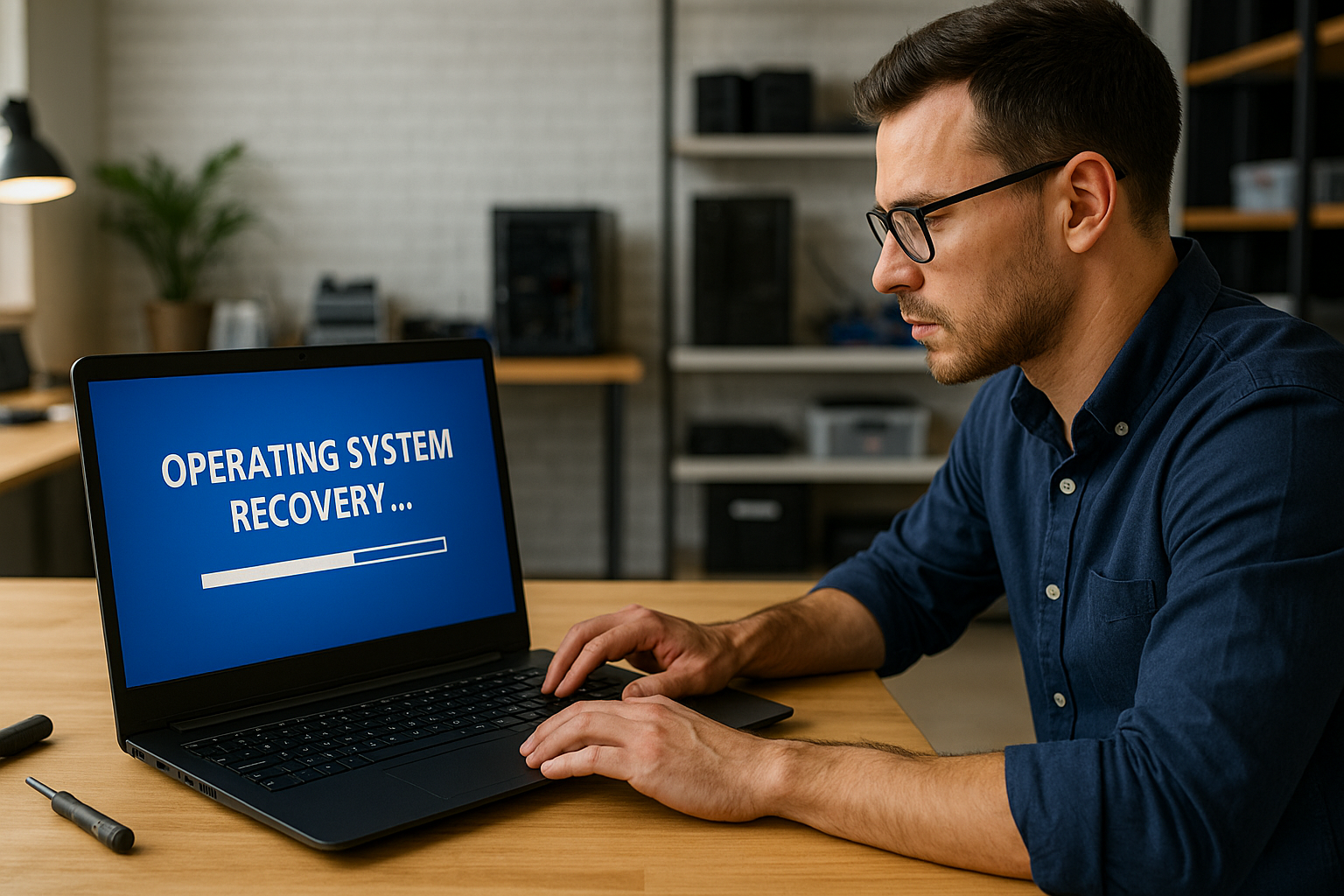
Corrupted system files, failed updates, or malware can leave your PC unable to boot or behaving unpredictably. Our Operating System Recovery service rebuilds or restores your Windows, macOS, or Linux installation to full functionality—without losing your personal data. Whether you’re stuck in a boot loop, seeing repeated crash screens, or facing a bricked system after an update, our expert technicians will get you back up and running.
Our Process
- Free Boot Assessment
- We connect to your machine (even if it won’t start) via USB rescue media or safe‑mode diagnostics to identify whether the issue is software corruption, driver conflicts, or hardware-related.
- Data Backup & Imaging
- Before any OS work, we back up your documents, photos, and application settings to an external drive or secure cloud storage. This ensures you never lose irreplaceable files. Before any OS work, we back up your documents, photos, and application settings using proven data backup methods to ensure nothing important is lost.
- System File Repair
- Windows: We run DISM and SFC utilities to repair or replace damaged system files. If that isn’t sufficient, we perform an in‑place upgrade or a fresh install using your existing license.
- macOS: We boot into Recovery Mode, use Disk Utility to repair volumes, then reinstall macOS from Apple’s servers while preserving your user data.
- Linux: We chroot into your Linux partition from a live CD/USB, repair corrupted packages, and reinstall the kernel or bootloader (GRUB) as needed.
- If deeper issues are detected beyond software corruption, we may recommend a full diagnostics and system recovery service to identify underlying hardware problems.
- Driver & Firmware Updates
- Once the OS is healthy, we update all critical drivers (graphics, chipset, network) and apply the latest BIOS/UEFI firmware to ensure stability and performance.
- Post‑Recovery Tune‑Up
- We optimize startup settings, clear temporary files, and remove hidden issues similar to a full performance tune-up, ensuring your system runs smoothly long after recovery.
Pricing & Turnaround
- Basic OS Repair (no reinstall): $89
- Full OS Reinstallation: $125
- Data Backup & Migration: $59
- Firmware & Driver Updates: $49
- Express Recovery (4‑hour SLA): +$30
- Typical Turnaround:
- Standard Repair: 4–6 hours
- Fresh Install & Migration: 1–2 business days
All services include a 30‑day follow‑up to ensure your system remains stable and updated.
Frequently Asked Questions
Q1: Will a fresh install erase my files?
A: No. We always back up your data first and perform an “in‑place” reinstall whenever possible to preserve your documents, settings, and applications.
Q2: What if my boot drive is physically damaged?
A: If the drive has bad sectors or mechanical failures, we’ll advise on a replacement SSD/HDD and can combine this with our hardware upgrade services to improve long-term reliability and speed.
Q3: Can you recover after a failed Windows feature update?
A: Yes. We can roll back to a previous build, repair the update components, or reinstall the OS cleanly to resolve update‑related corruption.
Q4: Do you support dual‑boot setups?
A: Absolutely. We can repair or reinstall one OS without disrupting the other, and restore your bootloader configuration for seamless multi‑OS use.
Q5: What operating systems do you handle?
A: We support Windows 7/8/10/11, macOS (Mojave through Sonoma), and common Linux distributions like Ubuntu, Fedora, and Mint.
Related Services
- Virus Removal: Eradicate malware before OS recovery →
/services/security/virus-removal/ - Password Recovery: Reset corrupted or inaccessible user accounts →
/services/security/password-recovery/ - Diagnostics & System Recovery: For hardware‑level issues affecting your OS →
/services/diagnostics/
Ready for a Clean Slate?
If you’re unsure whether this is a software issue or something deeper, our full diagnostics service can identify the exact cause before any repair begins. Don’t struggle with boot errors or endless loading screens. Schedule our Operating System Recovery service now to restore your system to peak functionality—fast, secure, and with your data intact.
Call Now to Book Recovery
or
Schedule Online Today