
USB‑C is just the connector shape—speed, video support, and charging power vary by PC and cable. Learn what the newest USB naming changes mean, how to check your port’s capabilities, and which cable ratings to buy for charging, monitors, docks, and fast SSDs.
Hardware
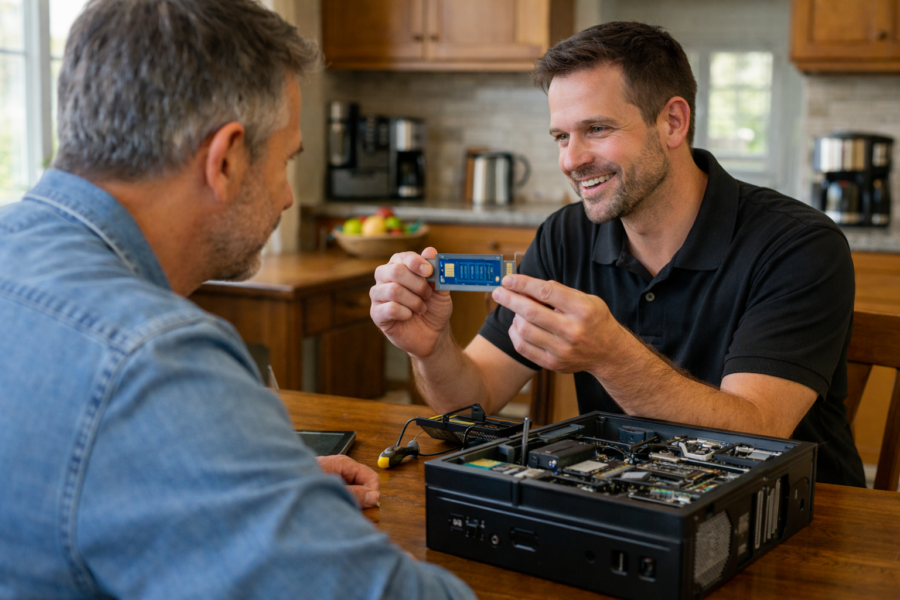
If your computer won’t turn on, keeps overheating, makes strange noises, or feels painfully slow, the problem may not be software — it may be physical parts inside the machine.
This section explains computer hardware in simple terms, without jargon.
Here you’ll find help with:
-
Hard drive and SSD replacements
-
RAM upgrades for better speed
-
Overheating and fan issues
-
Battery replacement
-
Power problems
-
Screen damage
-
Motherboard concerns
-
Desktop component upgrades
Sometimes a slow or failing computer doesn’t need to be replaced. A simple part upgrade can make it feel new again.
Other times, replacement makes more financial sense — and we’ll tell you honestly when that’s the better option.
If you're in Milwaukee and unsure whether your computer is worth fixing, PCRuns offers straightforward evaluations with no pressure and no sales tactics — just real advice.
Hardware problems don’t have to mean starting over.
PCIe Lanes and M.2 Slots: Avoid Bottlenecks on Modern Motherboards

Modern motherboards often share PCIe lanes between GPU slots, M.2 NVMe SSDs, and SATA ports. Learn how to place drives and cards in the right slots, avoid common lane-sharing surprises, and confirm everything is running as expected in Windows.
Boot Menu Keys for HP, Dell, Lenovo, and Other Computers (USB Boot Guide)
If your computer won’t start properly or you’re trying to clone a hard drive, one of the first things you may need is the boot menu. This is what lets you start your computer from a USB stick instead of the internal drive. If you’re trying to clone or repair a system, this step […]
GPU VRAM vs Bandwidth: What Matters More at 1440p and 4K?

VRAM and memory bandwidth affect gaming performance in different ways—especially at 1440p and 4K. Learn what each spec does, how to spot the real bottleneck, and which settings to change first for smoother gameplay.
ATX 3.1 PSUs Explained: 12V-2×6, Transients, and Sizing Your Power Supply

ATX 3.1 power supplies are built for modern GPUs: better tolerance for sudden power spikes (transients) and improved 16-pin connector support (12V-2×6). Learn what changed, how to avoid common cable issues, and how to pick the right wattage without overbuying.
Air vs AIO Cooling for Mid-Tower PCs: Noise, Temps, and Fit (What Actually Matters)

Air cooler or AIO for a mid-tower build? Compare real-world noise, temperatures, and fit. Use simple checklists to choose the right cooler and avoid common clearance and mounting issues.
Choosing the Right CPU for Gaming and Productivity in 2026 (Without Overthinking It)

A clear, practical way to pick the right CPU in 2026 for both gaming and productivity. Learn which specs matter, how many cores you really need, and how to avoid common overspending and bottlenecks.
SSD & NVMe Upgrades: Maximizing Speed in 2025
Boost your PC’s performance with the latest SSD technology in Milwaukee, Wisconsin. 1. Why Upgrading to an SSD or NVMe Matters Now More Than Ever Solid State Drives (SSDs)—particularly the ultra-fast NVMe drives—have revolutionized personal computing. With prices dropping steadily in 2025, there has never been a better time for Milwaukee residents to upgrade […]
Is Your Business Technology Holding You Back? 5 Clear Signs It’s Time for an Upgrade

Recognizing the Right Time to Invest in Modern Systems for Growth and Success Introduction In today’s fast-paced digital era, technology drives business growth, efficiency, and competitiveness. However, outdated technology can hinder productivity, expose businesses to security vulnerabilities, and escalate costs. Understanding when to upgrade your business technology is vital for staying ahead in your […]
Understanding Different Computer Components
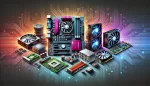
Unraveling the Core Components: A Simple Guide to Your Computer’s Hardware Navigating the complex universe of computer parts can be daunting, particularly for those just starting out. Yet, grasping the basics of computer components is crucial for anyone who wants to make knowledgeable choices about their personal computer. This blog post aims to clarify […]














