

A beginner-friendly guide to choosing the right graphics card for 1080p gaming—what specs matter, how to match your GPU to your monitor and games, and the common mistakes to avoid.
Hardware
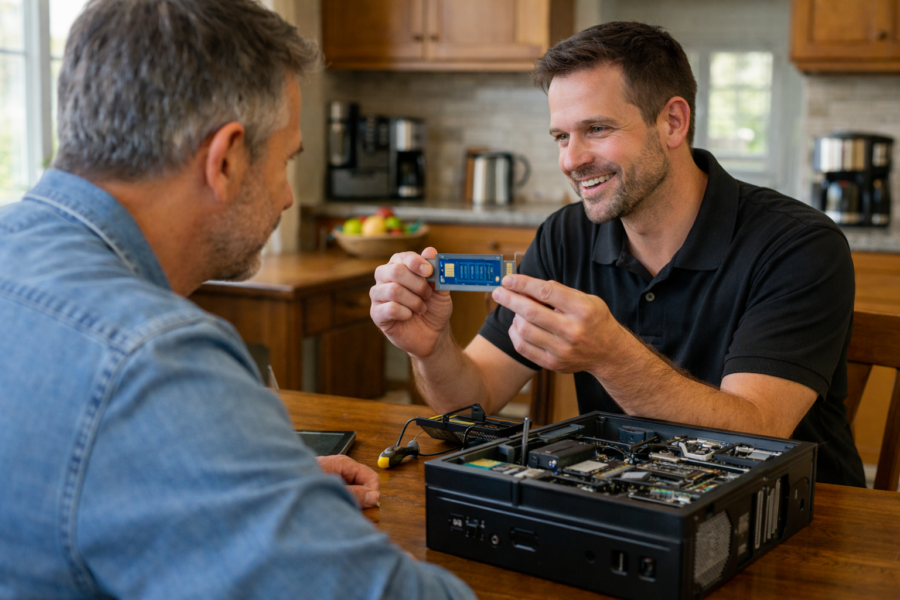
If your computer won’t turn on, keeps overheating, makes strange noises, or feels painfully slow, the problem may not be software — it may be physical parts inside the machine.
This section explains computer hardware in simple terms, without jargon.
Here you’ll find help with:
-
Hard drive and SSD replacements
-
RAM upgrades for better speed
-
Overheating and fan issues
-
Battery replacement
-
Power problems
-
Screen damage
-
Motherboard concerns
-
Desktop component upgrades
Sometimes a slow or failing computer doesn’t need to be replaced. A simple part upgrade can make it feel new again.
Other times, replacement makes more financial sense — and we’ll tell you honestly when that’s the better option.
If you're in Milwaukee and unsure whether your computer is worth fixing, PCRuns offers straightforward evaluations with no pressure and no sales tactics — just real advice.
Hardware problems don’t have to mean starting over.
How to Choose a CPU for Your First PC Build (2026 Guide)

Choosing a CPU for your first PC build doesn’t have to be confusing. This 2026 guide breaks down cores, clocks, integrated graphics, compatibility, and a simple tier-based checklist so you can pick a balanced, upgrade-friendly processor without overspending.
RAM Upgrade Guide: How Much Memory Do You Really Need?

COMPUTER UPGRADE GUIDE RAM Upgrade Guide: How Much Memory Do You Really Need? A computer that slows down with several browser tabs, video calls, documents, or programs open may be running short of RAM. Adding memory can make multitasking much smoother—but only when insufficient memory is actually the bottleneck. This guide shows you how to […]
Windows 11 Upgrade Guide (Complete Beginner-Friendly Upgrade Workflow)
COMPUTER UPGRADE GUIDE Windows 11 Upgrade Guide A successful Windows 11 upgrade starts before the installation begins. Compatibility, storage health, backups, encryption keys, application requirements, and the condition of the computer matter more than simply clicking “Download and install.” This beginner-friendly guide explains how to decide whether an upgrade is worthwhile, prepare safely, choose the […]
Cloned Drive Won’t Boot? (Troubleshooting Guide for SSD and NVMe Upgrades)
Cloned-Drive Troubleshooting Guide Your Clone Finished—So Why Won’t Windows Start? A completed clone does not always mean the replacement drive is ready to boot. The computer may be selecting the wrong device, the new drive may not be detected, the firmware mode may not match the partition layout, or required Windows boot files may need […]
Computer Upgrade Guide | SSD, NVMe, RAM & Windows 11 Upgrades
Computer Upgrade Guide Make an Older Windows Computer Faster—When an Upgrade Makes Sense A slow computer does not always need to be replaced. The right solid-state drive, memory upgrade, or carefully planned Windows installation can make a capable computer feel much more responsive. The important question is not simply Can it be upgraded? It is […]
Cloning a Hard Drive Using AOMEI Partition Assistant (Step-by-Step Guide)
AOMEI Drive Cloning Guide Move Windows to a New SSD or NVMe Drive Without Starting Over This step-by-step guide explains how to use AOMEI Partition Assistant to copy a working Windows installation—including its required system partitions, programs, settings, and files—to a compatible replacement drive. You can use this method to replace a mechanical hard drive […]
USB‑C on PCs: What the Latest Standard Changes Mean (and Which Cables You Actually Need)

USB‑C is just the connector shape—speed, video support, and charging power vary by PC and cable. Learn what the newest USB naming changes mean, how to check your port’s capabilities, and which cable ratings to buy for charging, monitors, docks, and fast SSDs.
PCIe Lanes and M.2 Slots: Avoid Bottlenecks on Modern Motherboards

Modern motherboards often share PCIe lanes between GPU slots, M.2 NVMe SSDs, and SATA ports. Learn how to place drives and cards in the right slots, avoid common lane-sharing surprises, and confirm everything is running as expected in Windows.
NVMe vs SATA SSD Upgrades: When You’ll Actually Notice the Difference

Upgrading from a hard drive to any SSD is a huge win. But moving from a SATA SSD to an NVMe SSD is more situational. Learn when you’ll actually feel the difference (file transfers, heavy multitasking, creative work), when you won’t, and how to choose the right upgrade for your PC.














