

Computer repair cost depends on diagnosis, parts, labor, and data risk. This curated breakdown summarizes PCRuns’ service categories and adds practical tips for comparing quotes, protecting files, and deciding when repair vs replacement makes sense.
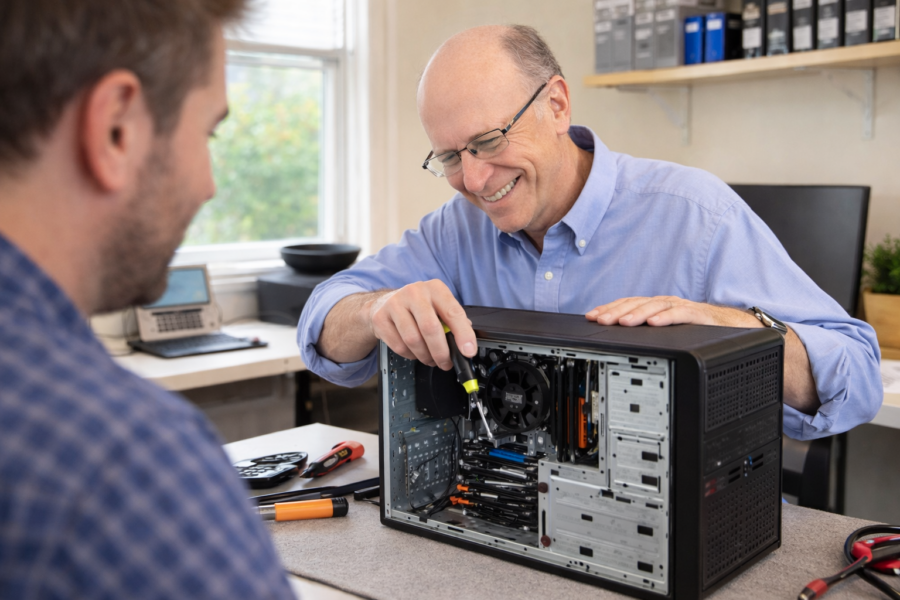
Computer Repairs
Repair or Replace a Computer: A Practical Way to Decide (Without Guessing)

A practical, technician-style way to decide whether to repair or replace your computer: what the source says, what it means in real life, common pitfalls, and a simple checklist—focused on reliability, cost, and protecting your data.
Repair or Replace a Computer? A Practical Decision Guide (With Real-World Cutoffs)

A practical, technician-style guide to deciding whether to repair or replace your computer—based on PCRuns’ own guidance, with real-world cutoffs, common pitfalls, and a simple checklist to avoid wasting money (or risking your data).
No Display on Monitor? Easy PC Repair Steps for Beginners

Black screen or “No Signal”? Use this calm, beginner-friendly checklist to check power, input settings, cables, ports, and a few safe PC steps to get your display back.
PCIe Lanes and M.2 Slots: How to Avoid Bottlenecks on Modern Motherboards

PCIe lanes determine how your GPU and NVMe M.2 SSDs share bandwidth. Learn the simple rules, common slot-sharing gotchas, and an easy checklist to avoid bottlenecks when adding drives to a modern motherboard.
PC Overheating Fix: Clean Fans, Improve Airflow, and Lower Temps

PC running hot or loud? Start with dust and airflow. This beginner-friendly guide walks you through cleaning fans and vents, improving case airflow, and reducing heat from software—safely and step by step.
How to Fix USB Ports Not Working on a PC (Beginner Guide)

{ “title”: “How to Fix USB Ports Not Working on a PC (Beginner Guide)”, “slug”: “fix-usb-ports-not-working-pc-beginner-guide”, “content_html”: “When a USB port stops working, it can feel like your PC is…
Blue Screen Saviors: Fast Fixes for Your Most Frustrating Windows Errors

Blue Screen of Death on Windows? Try these safe, quick fixes: unplug extras, boot Safe Mode, update Windows, roll back drivers, run built-in repair tools, and check disk space—plus signs it’s time to get help.
The Solo IT Expert: Computer Repair Without the Corporate Runaround

A solo IT expert offers personalized computer repair with one point of contact, clear explanations, and practical options—ideal for everyday Windows users who want help without the corporate runaround.
Windows Update → Blue Screen (Safe Steps)
How to protect your data and get your PC running again safely in Milwaukee If you’ve recently installed a Windows Update and now see a blue screen (BSOD), don’t panic. These crashes are usually caused by driver conflicts, update bugs, or file-system errors, and in most cases your data is recoverable. This guide will […]














