

Remote support can be fast and convenient, but it shouldn’t cost you your privacy. Here’s how to verify who you’re dealing with, stay in control during a remote session, and what to do if something feels like a scam—written from a Milwaukee-area repair tech perspective.
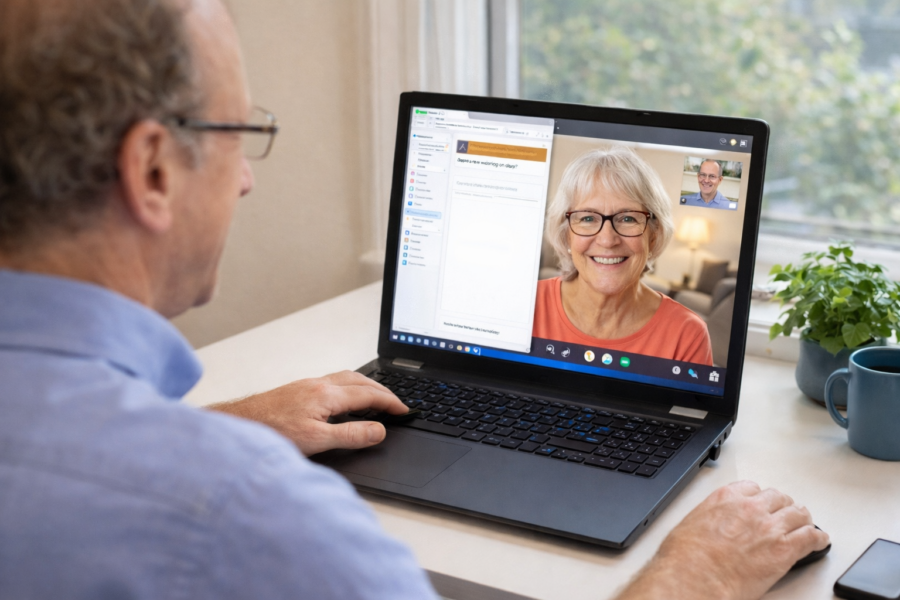
When Remote Computer Support Makes Sense (and When It Doesn’t)

Remote computer support is a fast way to fix many Windows and software problems—when your PC still boots and the issue is configuration or cleanup. Here’s when it makes sense, when it doesn’t, and how to use it safely.
What Computer Problems Can Be Fixed Remotely? (And What Usually Can’t)
Many everyday Windows and software problems can be fixed remotely—if your PC boots and stays online. Here’s what remote support is best at, what usually requires hands-on repair, and a checklist to verify before you start.
Remote Desktop Not Working? Here May Be Why (KB5019980)

Remote Desktop not working after KB5019980? What’s going on If Remote Desktop suddenly stopped connecting (or started dropping sessions) around the time Windows installed update KB5019980, you’re not alone. Microsoft acknowledged issues
How to Reduce Remote Support Session Dropouts on Windows PCs
Remote support disconnecting on your Windows PC? Use this practical checklist to reduce session dropouts by stabilizing your network, adjusting power settings, and avoiding common conflicts like VPNs and overly aggressive security blocks.
Hardening Unattended Remote Access: MFA, Roles, and Audit Logs
Unattended remote access is convenient, but it needs guardrails. Use MFA, limit permissions with roles, and enable audit logs so you can verify who connected and what changed—without making your setup complicated.
Remote Support Checklist: Secure Setup for Small IT Teams

A practical remote support security checklist for small IT teams: MFA, least privilege, safe unattended access, logging, endpoint basics, and simple routines that reduce risk without slowing you down.














